The Results
Run Review
All results can be found in the datalogs folder:
📂working_directory
 ┣ 📂datalogs
 ┃ ┣ 📂51Peg
 ┃ ┃ ┗ 📂run_1
 ┃ ┃ ┃ ┗ 📂k_0
 ┃ ┃ ┃ ┗ 📂k_1
 ┃ ┃ ┃ ┃ ┗ 📂plots
 ┃ ┃ ┃ ┃ ┗ 📂restore
 ┃ ┃ ┃ ┃ ┗ 📂samples
 ┃ ┃ ┃ ┃ ┗ 📂tables
 ┃ ┃ ┃ ┃ ┗ 📂temp
 ┃ ┃ ┃ ┃ ┗ 📜best_fit.dat
 ┃ ┃ ┃ ┃ ┗ 📜log_1_51Peg.dat
- The log.dat file contains a summary of the whole run up to this point, plus everything that was printed on the terminal.
- The best_fit.dat has a summary of the best values.
- The
plotsfolder contains all plots for this run. - The
restorefolder contains the chain members compressed in.h5format as well as the residuals of the model. This folder must be targeted to continue a run from this point. - The
samplesfolder is deprecated. - The
tablesfolder contains information about the chains, the parameters and the stats, as well as copy-pastable latex tables. - The
tempfolder contains all the temporary files made for the run.
Tables
Output example of the latex table, values.tex:
\begin{tabular}{ll}
\toprule
Parameter & Value \\
\midrule
Period 1 & $4.23078861^{+8.2e-06}_{-2.089e-05}$ \\
Amplitude 1 & $55.60434115^{+0.26899442}_{-0.14248269}$ \\
Phase 1 & $1.61264175^{+0.47363979}_{-0.12433487}$ \\
Eccentricity 1 & $0.01221629^{+0.00042225}_{-0.00621666}$ \\
Longitude 1 & $1.11372836^{+0.1321468}_{-0.46498999}$ \\
Acceleration & $-0.00429192^{+0.00011135}_{-0.00028684}$ \\
Offset 1 & $5.21358051^{+0.23550286}_{-0.09804832}$ \\
Jitter 1 & $0.70021693^{+0.15318861}_{-0.45306398}$ \\
\bottomrule
\end{tabular}
Output example of stats.tex:
\begin{tabular}{ll}
\toprule
Stat & Value \\
\midrule
$\log{Z}$ & -902.413 +- 23.211 \\
$\log{P}$ & -859.835 \\
$\log{L}$ & -837.213 \\
BIC  & 1718.787 \\
$chi^{2}_{\nu}$ & 1.035 \\
RMSE & 6.906 \\
\bottomrule
\end{tabular}
the latex table paramter values can be rounded by setting before-hand:
sim.rounder_tables = 3
Plots
Each plot is customisable through its own dictionary. Additionally, you can modify common options through the plot_all property. Every plot has the plot keyword, to turn on or off the plot, as well as a format keyword, default set to 'png'.
The plots can be found in the following folders:
📂k_1 ┣ 📂plots ┃ ┗ 📂arviz ┃ ┗ 📂betas ┃ ┗ 📂GMEstimates ┃ ┗ 📂histograms ┃ ┗ 📂models ┃ ┗ 📂posteriors
Posterior Plot
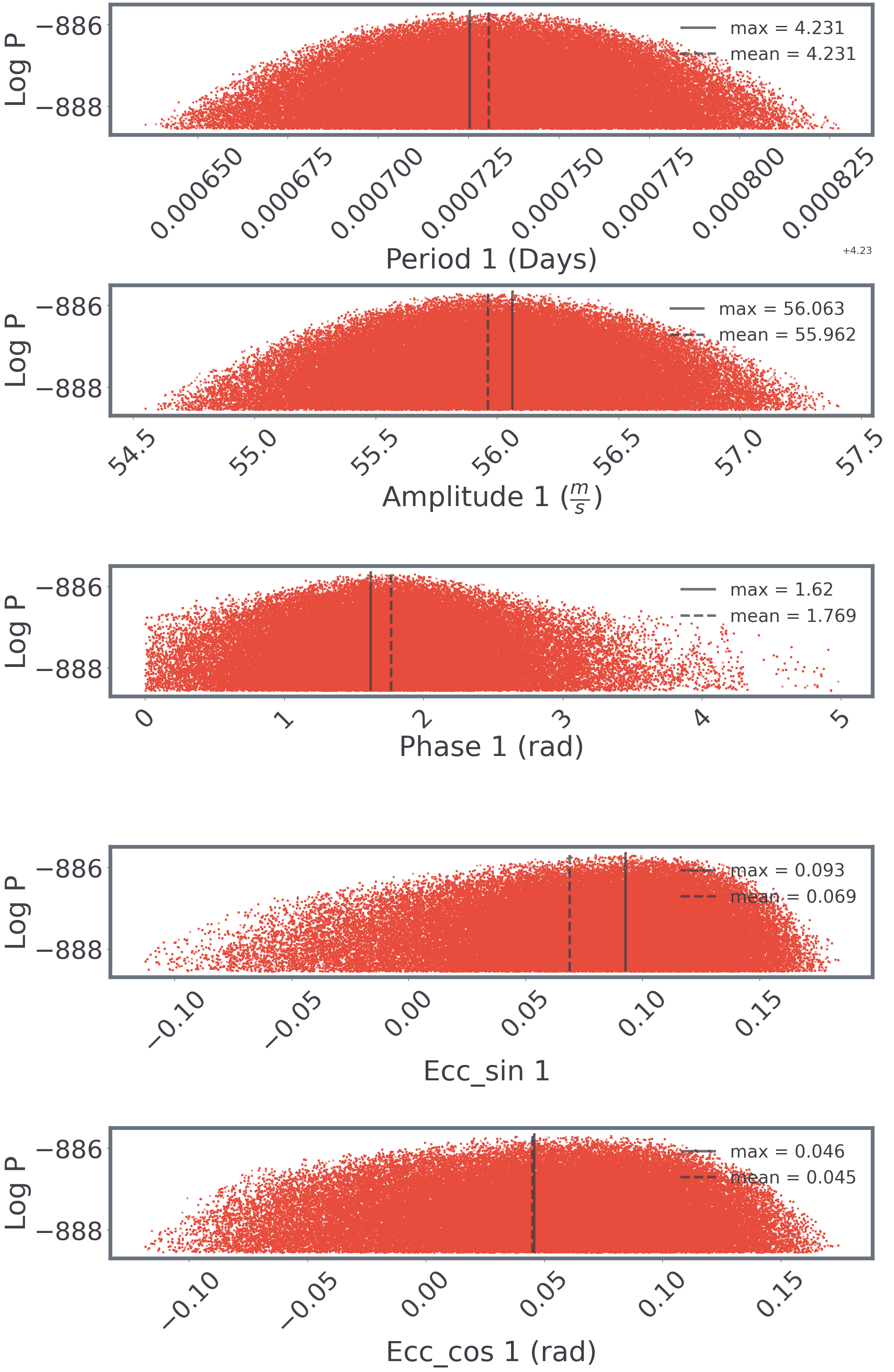
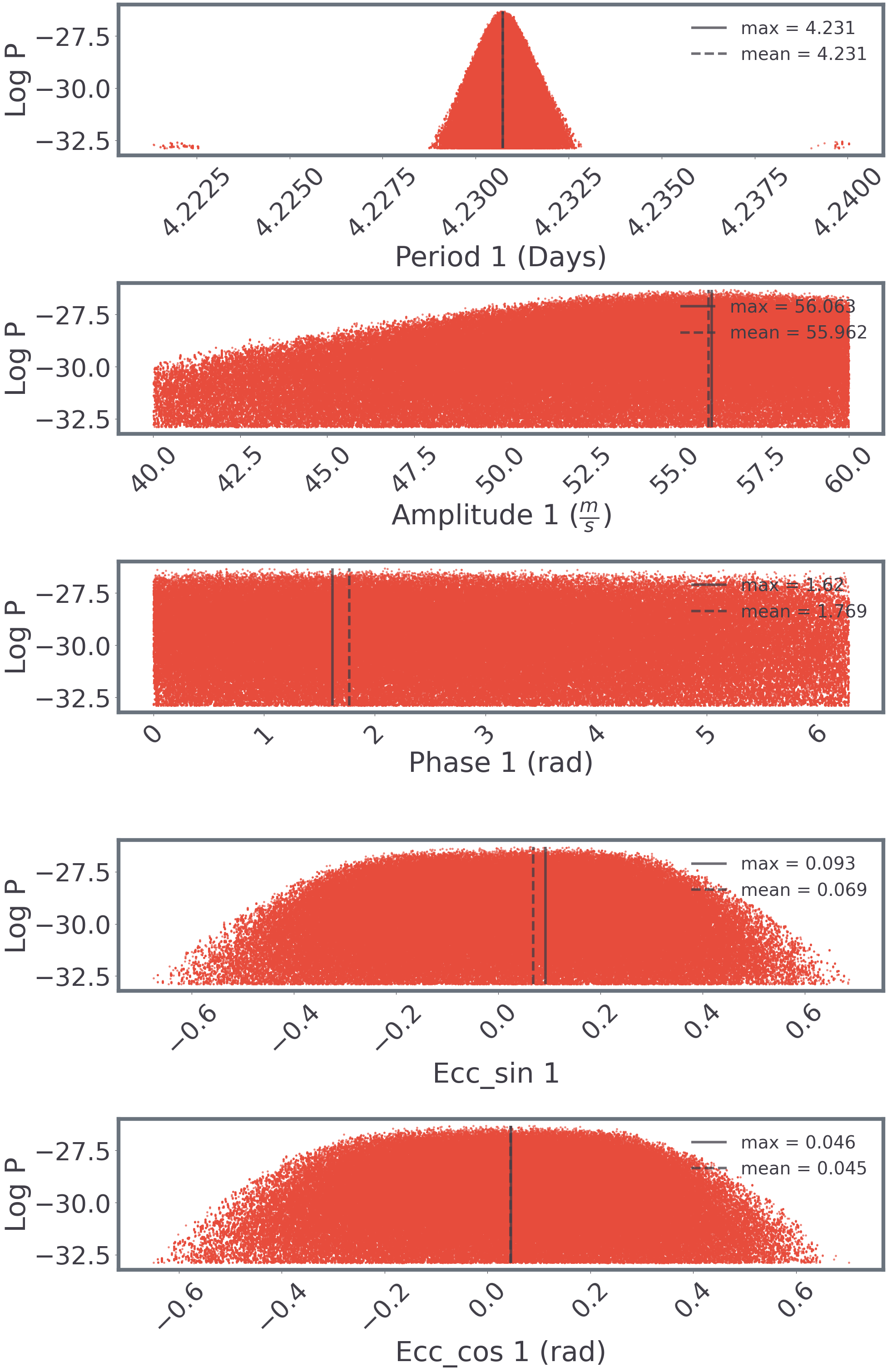
Posteriors are plotted colour-coded by block, in four different formats.
To select which modes to plot, include them in the modes list.
| Mode | Value (int) | Description |
|---|---|---|
| Scatter | 0 | Simple scatter plot. Useful for checking the overall shape of the posterior distribution. |
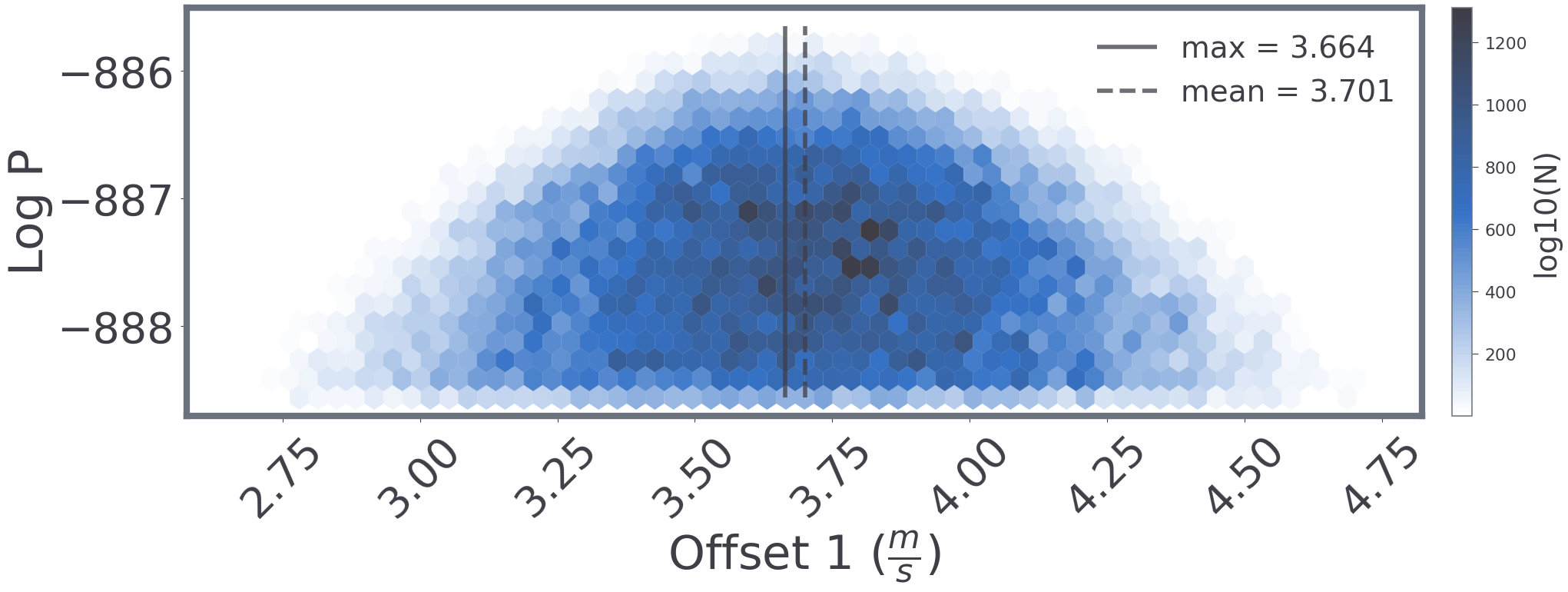
| Hexbin | 1 | Hexbin plot. Usefull for visualising the samples allocation. |
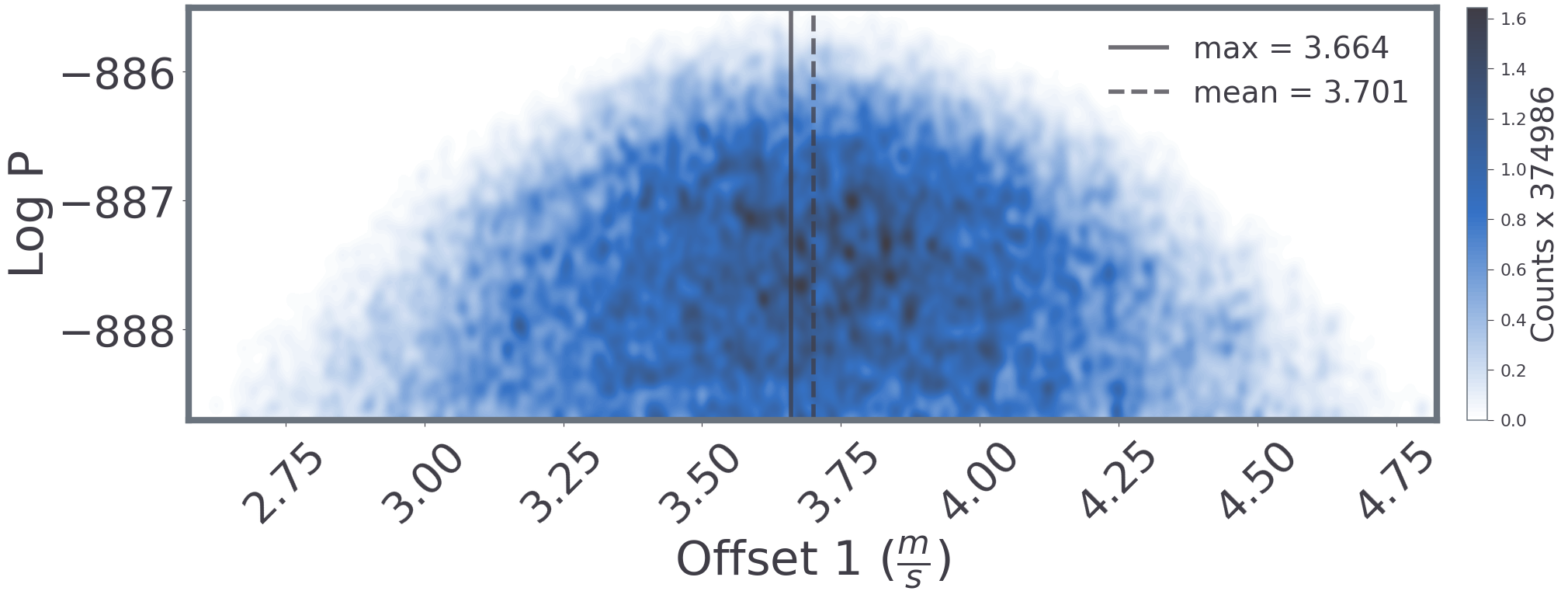
| Gaussian filter | 2 | Scatter plot with markers Gaussian-difussed. Serves both for overall posterior shape and sample density. |
| Chain | 3 | A chain plot to oversee the space exploration over time. |
Each mode and plotting utility has its own dictionary as well, passed as kwargs to the default matplotlib plotting function. To modify any default values, do it through:
sim.plot_posteriors['modes'] = [0, 3]  # Scatter and chain
sim.plot_posteriors['temps'] = None  # Plots all temperatures. [0, 8] plots for the cold chain and the 8th temp

sim.plot_posteriors['scatter_kwargs']['alpha'] = 0.7  # transparency
sim.plot_posteriors['scatter_kwargs']['s'] = 10  # marker size

sim.plot_posteriors['chain_kwargs']['alpha'] = 0.2  # transparency
sim.plot_posteriors['chain_kwargs']['marker'] = 'o'  # marker shape

sim.plot_posteriors['vlines_kwargs']['alpha'] = 0.75  # global
sim.plot_posteriors['label_kwargs']['fontsize'] = 44  # global
Examples:
Posterior plot (mode=0) for the Keplerian Block, cold chain (temp=0):
Posterior plot (mode=0) for the same Keplerian Block, at temp=8:
Offset Block, hexbin plot (mode=1):
Offset Block, Gaussian plot (mode=2):
Histograms
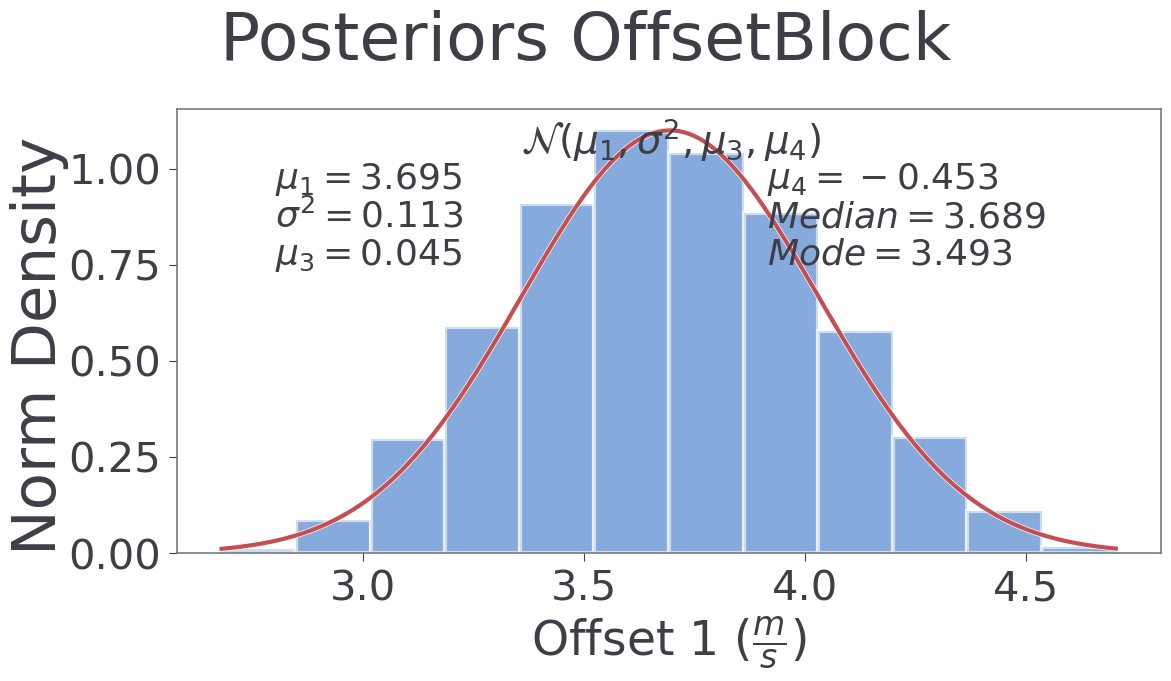
sim.plot_histograms['temps'] = None  # Plots all temperatures. [0, 8] plots for the cold chain and the 8th temp

sim.plot_histograms['axis_fs'] = 18
sim.plot_histograms['title_fs'] = 24
Plot of the Histograms:
Model
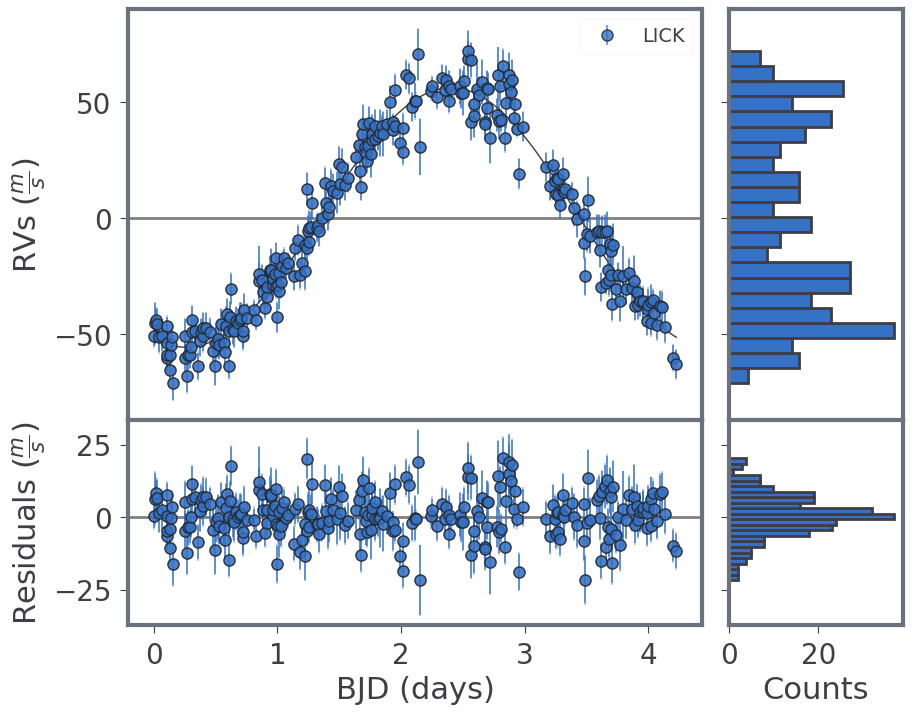
Model with its residuals. Histograms at the side showing the RV distribution.
sim.plot_keplerian_model['hist'] = True  # Turn on/off the histograms

sim.plot_keplerian_model['errors'] = True  # add errorbars for measured error and jitter
sim.plot_keplerian_model['periodogram'] = True  # Plot a periodogram for the residuals
Plot of the Keplerian model:
Betas
Plots pertaining the reddemcee sampler.
sim.plot_betas['plot'] = True  # Turn on these plots
sim.plot_betas['format'] = 'png'  # save as png
The ladder plot shows the final inverse temperature distribution, against the mean log-likelihood of each chain. Both values are used to estimate the \(\log Z\) with thermodynamic integration:

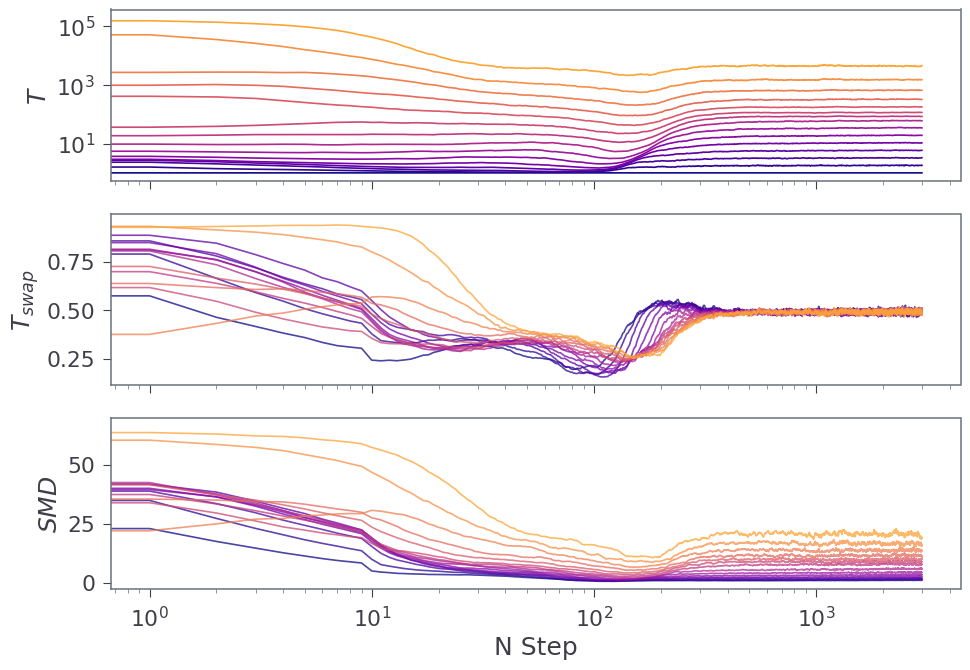
The rate plot helps to assess the adaptation of the temperatures. From top to bottom, temperature evolution over time, temperature swap rate, and Swap Mean Distance:
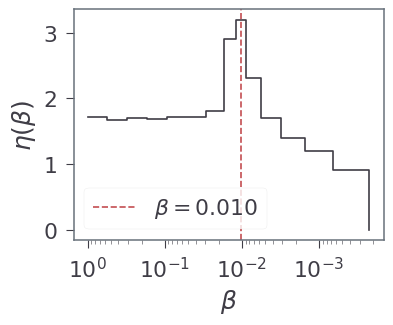
The density plot tracks how close to each other the temperatures are. This is the chain density across temperatures. Peaks signal where phase-change occurs within this MCMC system, or where different solutions merge:
Trace Plots
The traceplots are additional plots that require the arviz library installed. Four modes are considered:
| Mode | Value (int) |
|---|---|
| Trace | 0 |
| Normalised Posterior | 1 |
| Density Interval | 2 |
| Corner | 3 |
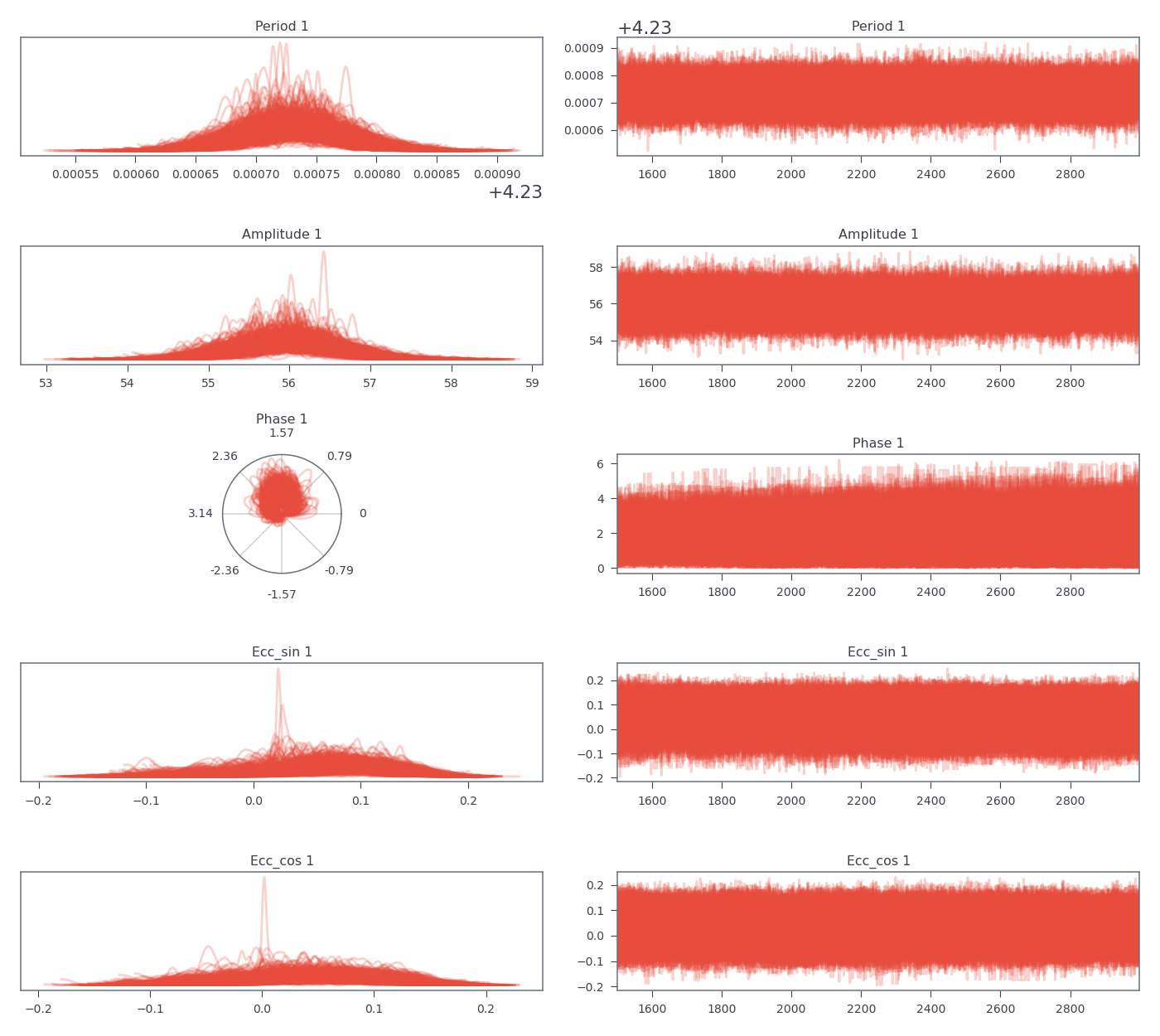
sim.plot_trace['modes'] = [0, 1, 2, 3]
Trace for the Keplerian parameters:
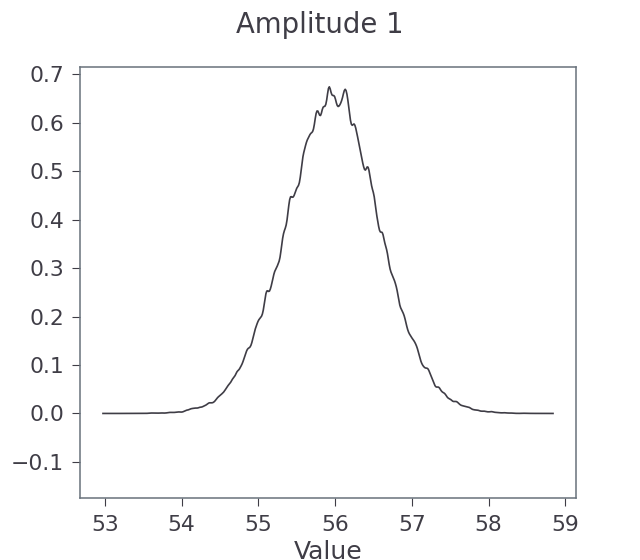
Normalised posterior for the Keplerian amplitude:
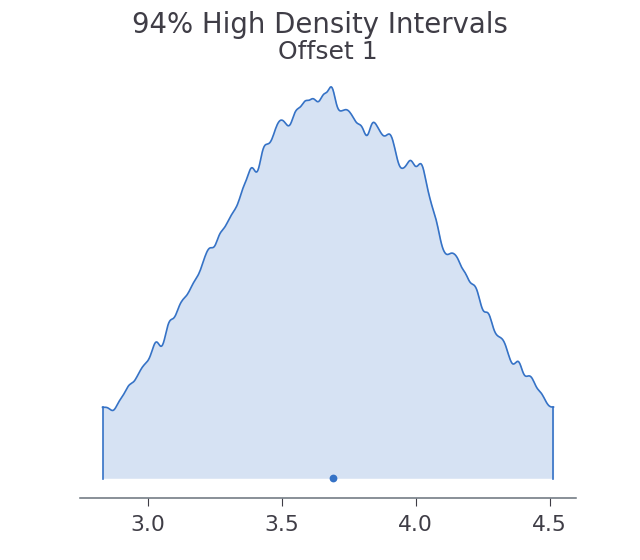
High Density Interval (HDI) for the Offset Block:
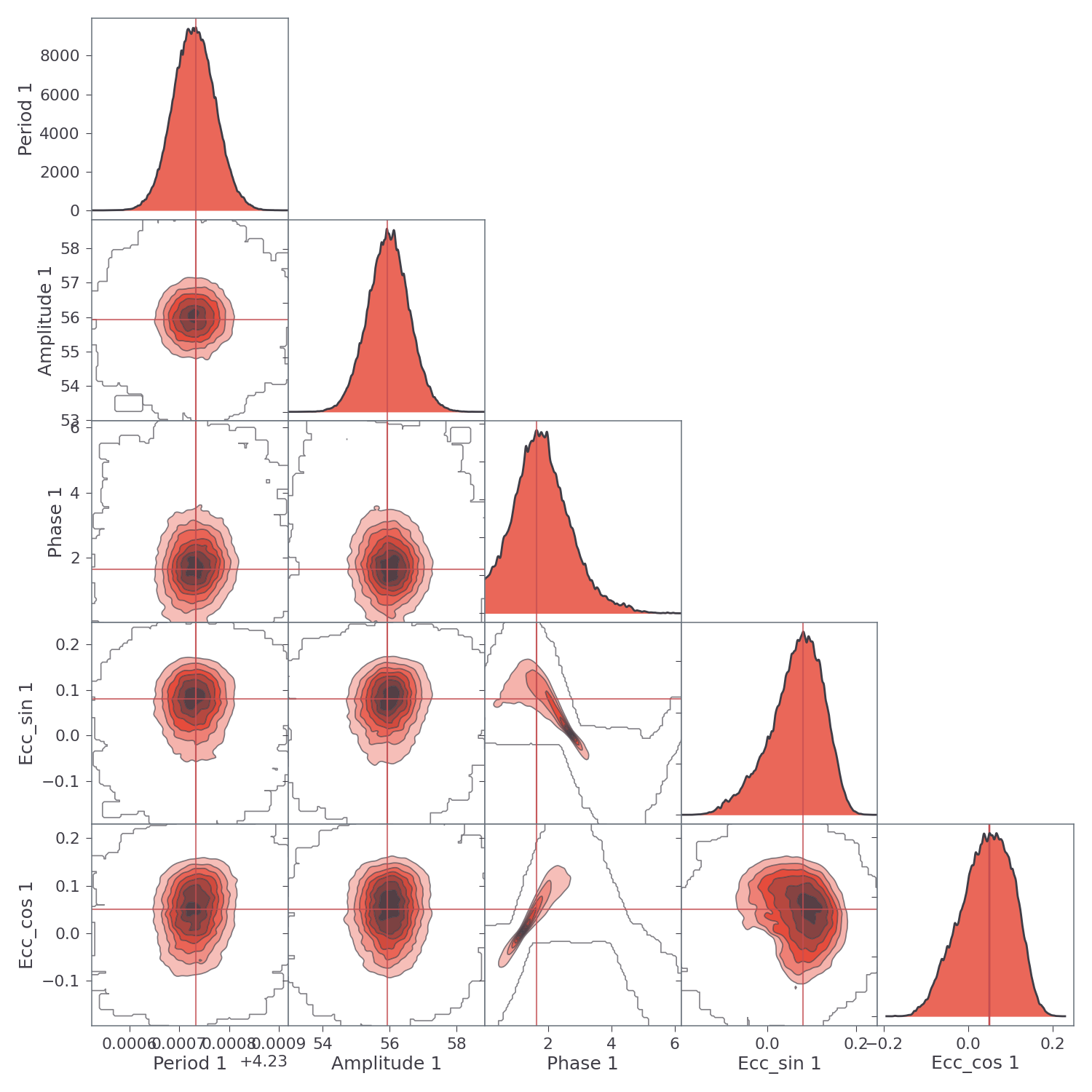
Each Block has its own corner plot, provided it has two or more dimensions. For example, the corner plot for the Keplerian Block:
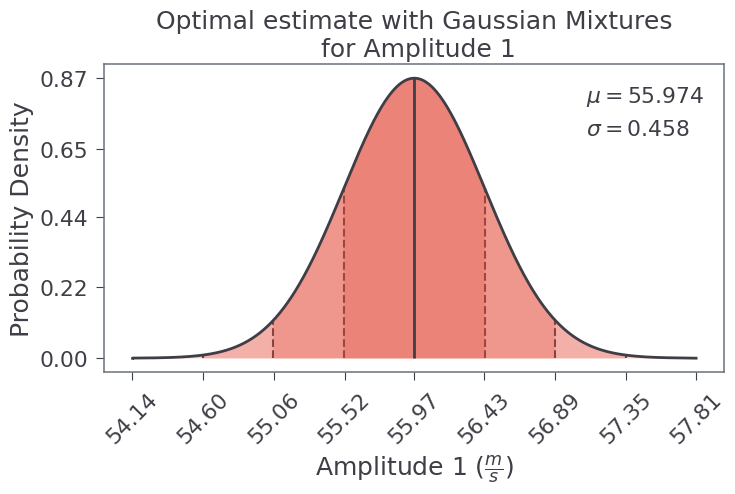
Gaussian Mixtures
The Gaussian Mixtures are also plotted, for example, the amplitude parameter of the Keplerian Block: